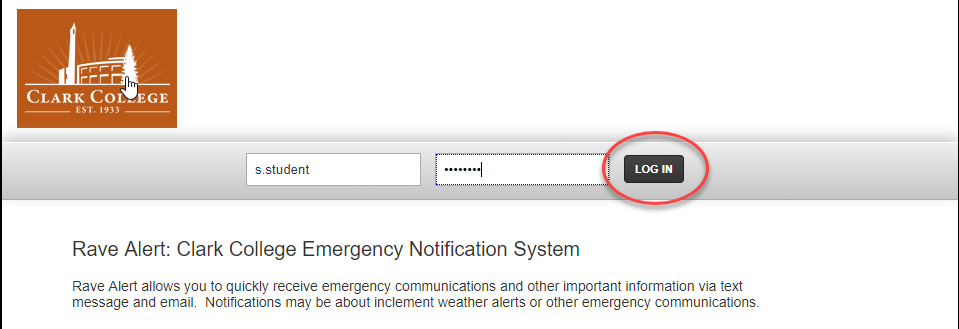
Logging In
- Go to Rave Alerts login page The web browser address is: https://www.getrave.com/login/clark
- Click in first box and type in your Clark Username.
- Your Clark Username is your Username for the open computer labs.
- Do not include @students.clark.edu or @clark.edu.
- This is a case sensitive field.
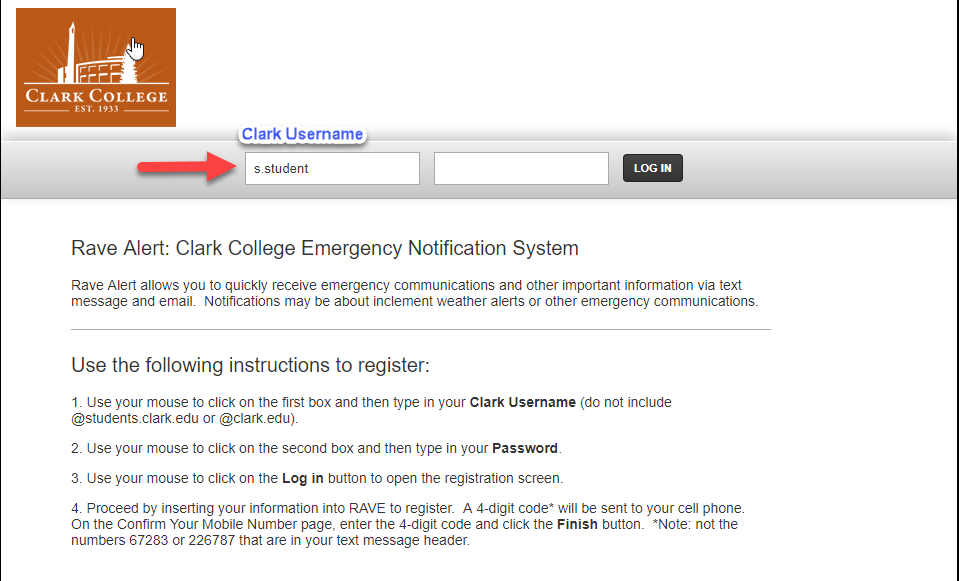
- In the second box, enter you Clark account password
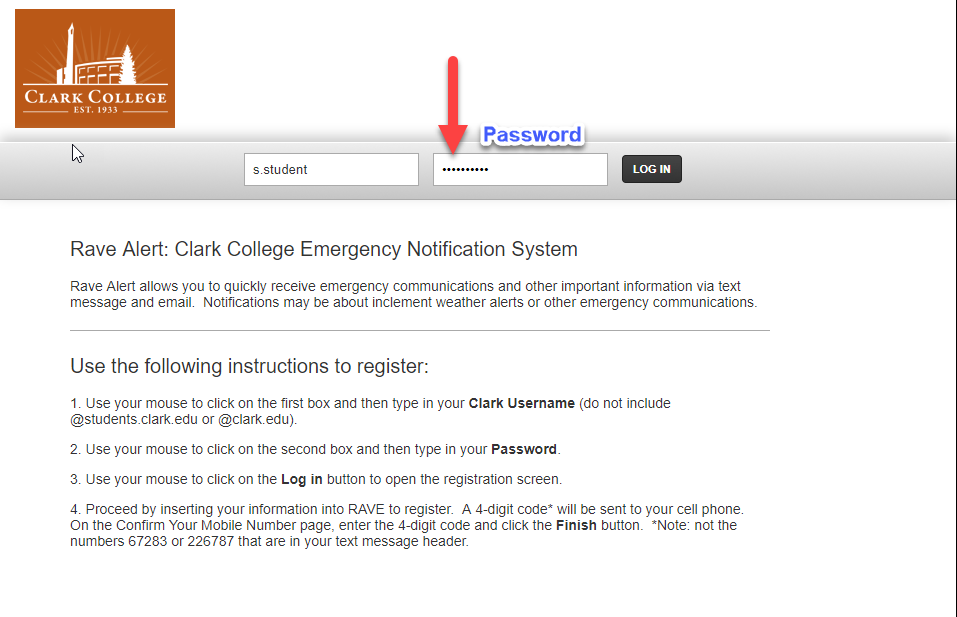
- Login by pressing enter or clicking the Log In button.