
Delete an Account
- Go to the My Account page
- Click the Edit button located across from your registered name and email address.
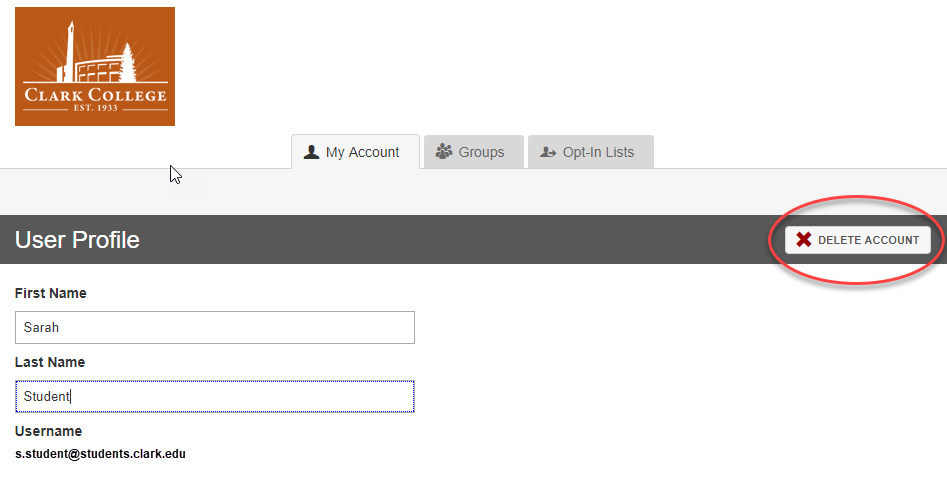
- Click Delete Account.
- Enter your current password. *Note: Deleting your account is permanent and cannot be undone.
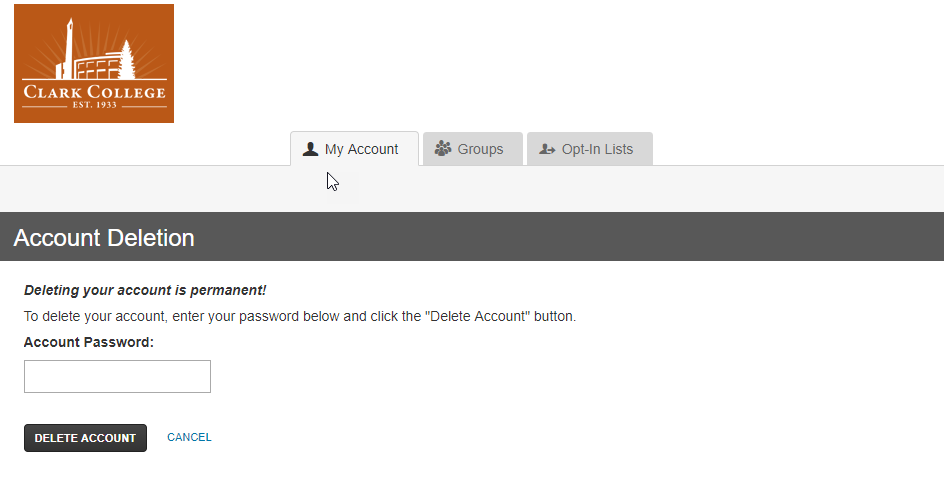
- Click the Delete Account button.